Standard check done with cookies |
|
This method can be used when the respondent must be able to remain anonymous and you accept a possible easy workaround to circumvent the validation.
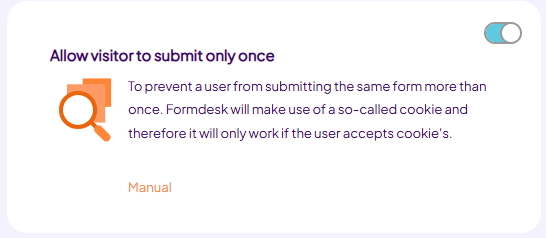
This method ensures that whenever the respondent fills out a form, a so-called cookie is placed on the computer of the respondent. The next time the form is opened on the same computer, Formdesk finds the cookie on the computer and informs that the form has already been filled-out. This function is relatively unreliable because the respondent can prevent the cookie to be placed on the computer or remove it afterwards, enabling the form to be filled-out once more.
You can set this option for the form on the Settings tab, Checks & Validations: |
|
|
 |
|
|
Duplicate entry validation |
This method can be used whenever the respondent doesn't need to be able to remain anonymous and you don't invite a fixed panel to fill out the form.
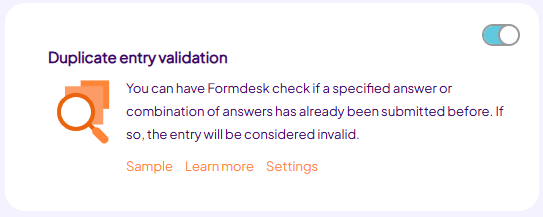
This method validates whether a given answer (or combination of answers) is filled out before. This can for example be a social security number, postal code or house number, e-mail address or telephone number. The reliability is compromised by the fact that "false input" can be given. You can prevent this for the validation of the e-mail address and/or telephone number by using resp. e-mail verification or sms verification.
You can set this option for the form on the Settings tab, Checks & Validations: |
|
|
 |
|
|
|
An alternative method of this way of checking is to use the Lookup feature. You would then create a lookup that searches a certain entry that should be unique. If found, you can use a enhanced validation to display an error message, even immediately after the field is left. |
|
|
Unique personal codes |
You can use this method whenever the respondent doesn't necessarily need to remain anonymous and you invite a fixed panel to fill out the form.
By creating a (partly) empty form for your respondents in advance, you can use the group email feature to distribute a unique link to your respondents that brings them into their own form. If you also setup your form in a way that new forms cannot be submitted you have ensured yourself that each of your respondents can submit your form only once.
The document Invite to complete your form section The form is partially filled out in advance further explains how to accomplish this. |
|
|
Provide usernames and passwords |
|
You can use this method whenever the respondent doesn't need to be able to remain anonymous and you invite a fixed panel to fill out the form.
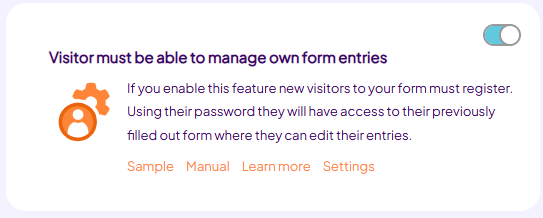
With this method each respondent has a personal login and password, next to a name and e-mail address, with which they can fill out the form. You can import this data from an excel sheet, where you can have Formdesk generate the passwords automatically. You can also create new users manually.
This method can be used by using the option "Visitor must be able to maintain own form entries". This option can be set for the form on the Settings tab, General: |
|
|
 |
|
|
|
Check out the manual of this option to find out how to import users or create users manually. |
|
|
|
|
|
|
|