

… an online expense claim forwarded to Accounting only after approval from the manager;
… an online order whereby the client is proactively informed by email of the order status;
… an online application that has to be forwarded via email to the contact person for that particular subject matter;
… an online registration of a new employee where relevant data is automatically sent to the appropriate departments.
… with the Formdesk’s Workflow add-on, you can automate just about any workflow you wish.
Screenshots
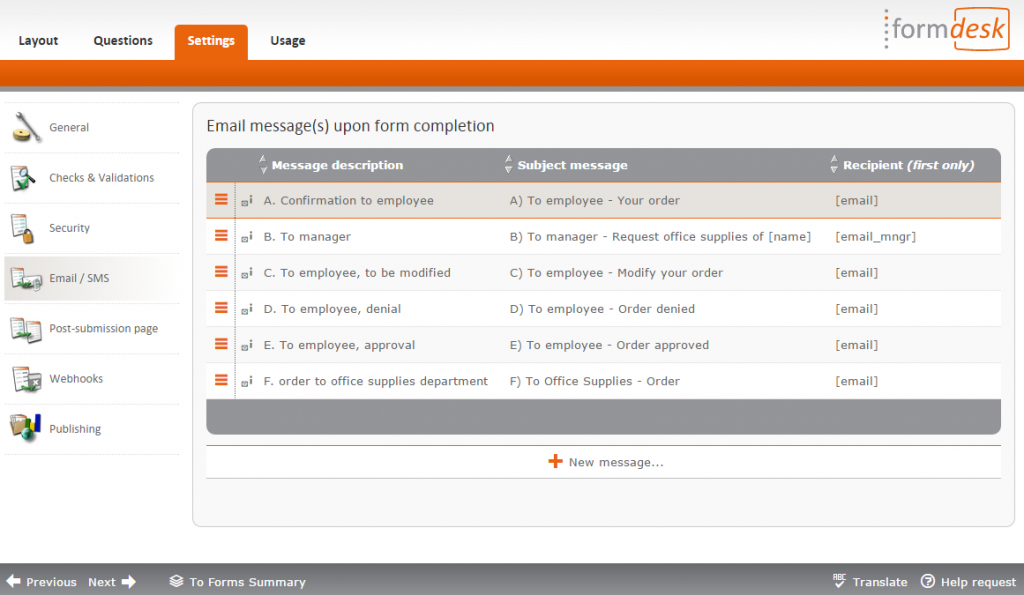
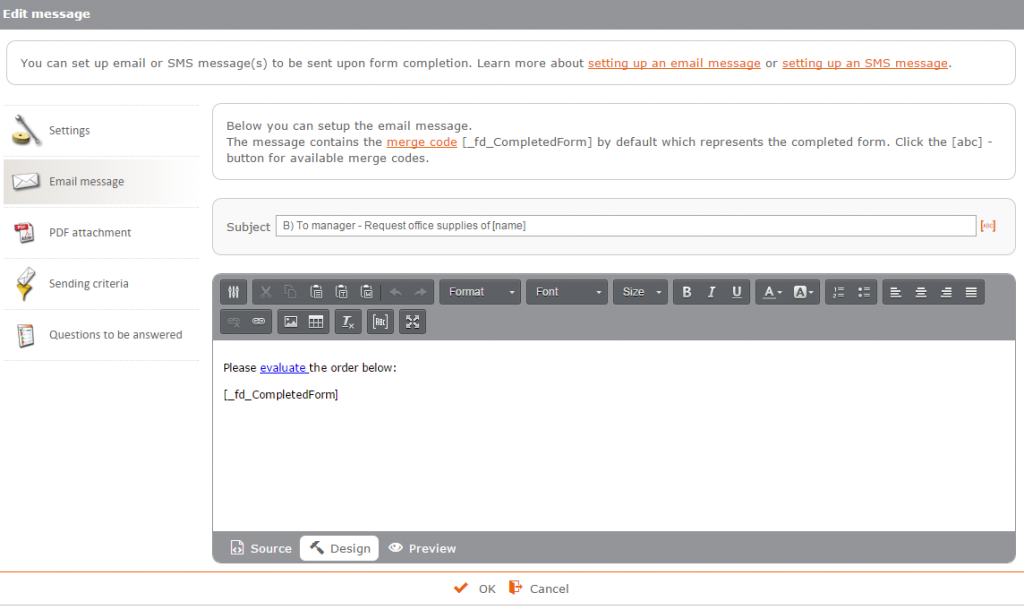
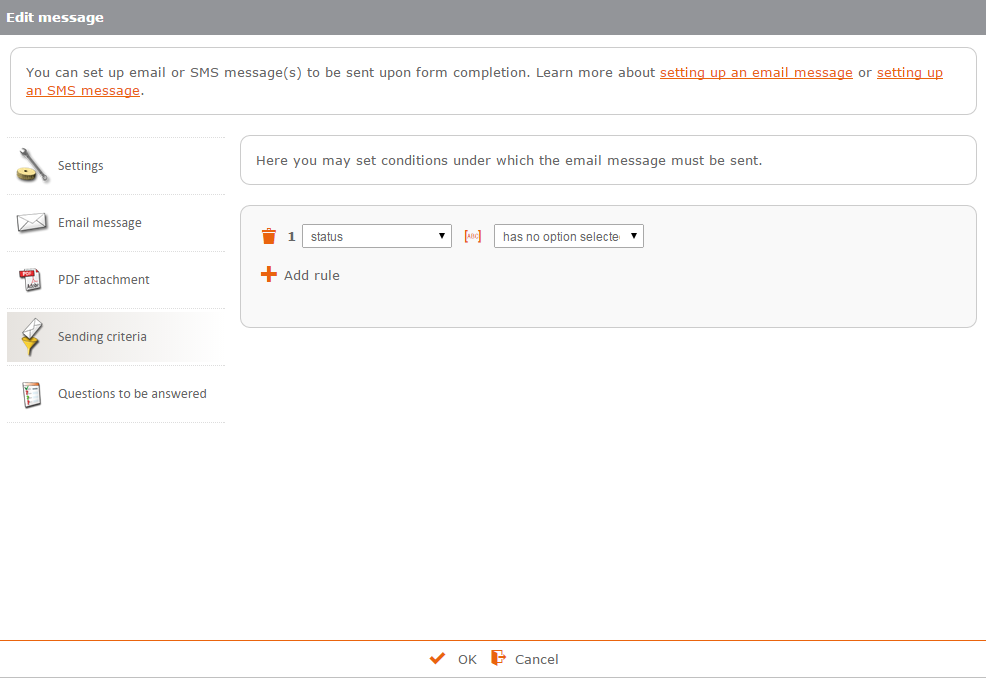
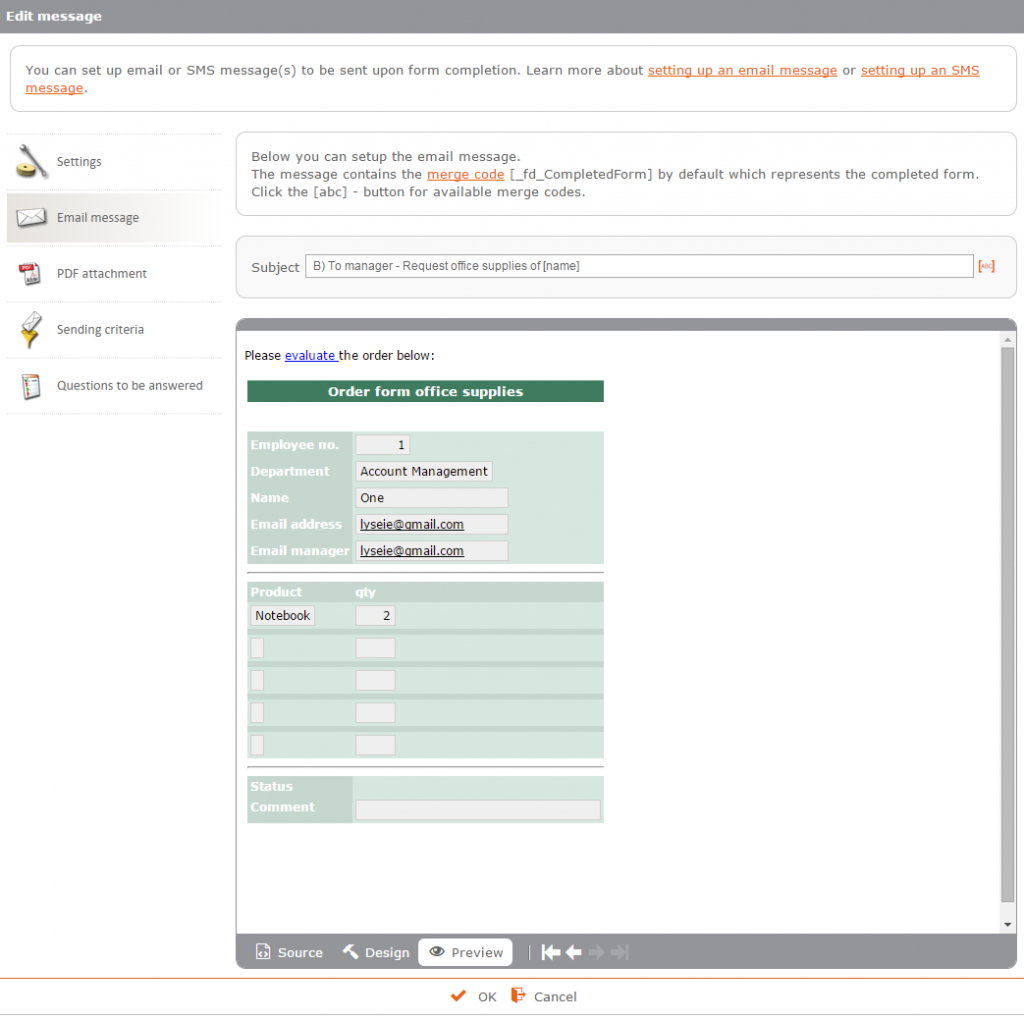
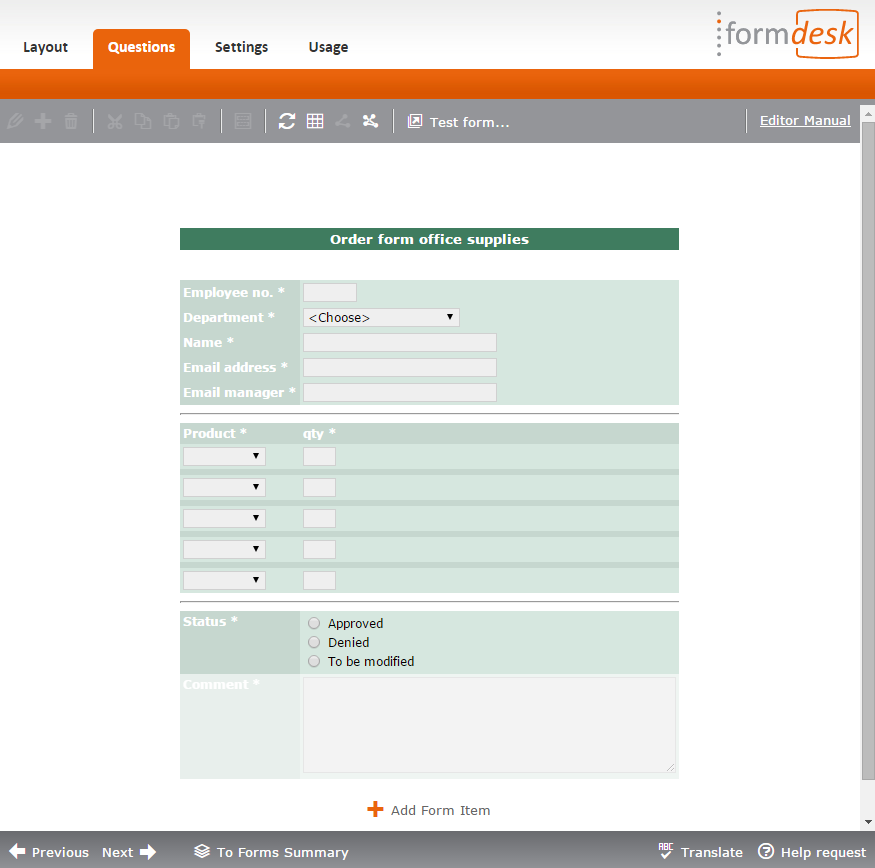
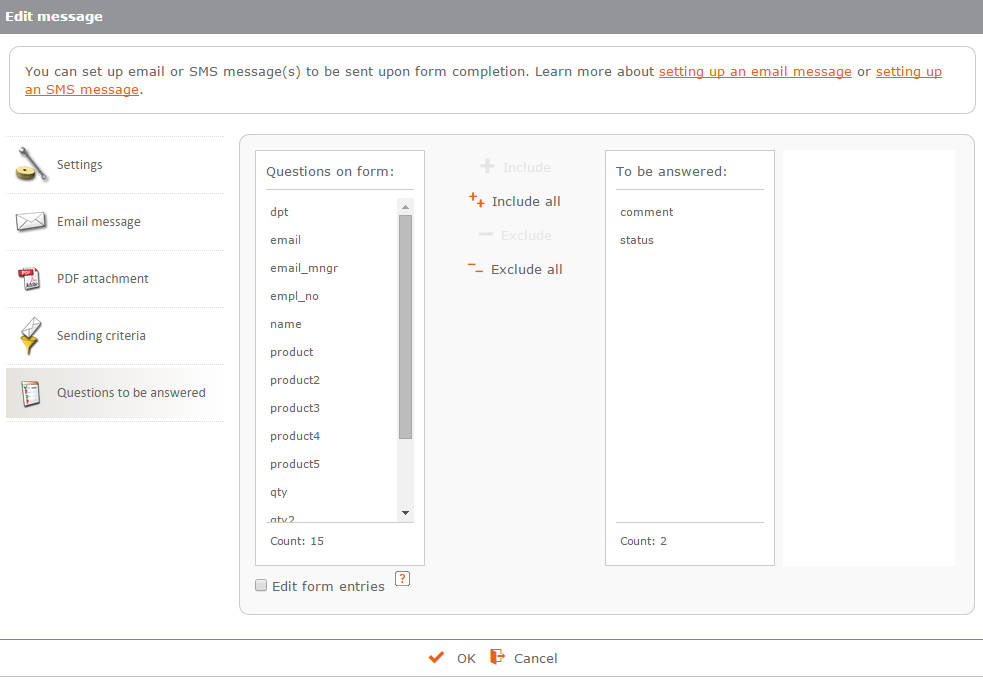
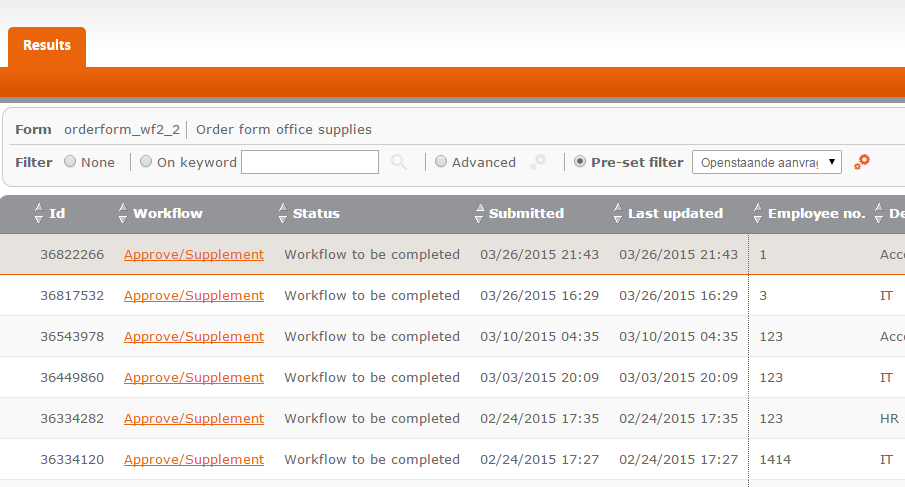
The completion of a form is at the beginning of a business process. With the Workflow add-on, you can design a form that can be edited by others after completion, for example, to approve the application. After the form has been completed, the other person receives an email from which the form can be called and edited. This may trigger new email messages to be sent for the next step in the workflow. The Workflow add-on is one of Formdesk’s most powerful features.
Some characteristics
- The workflow process starts after form completion
- Review and process the application from within email messages or from within the overview of applications
- Almost no technical limitations to the complexity of the workflow
- Possibility of transferring the data after form approval or supplementation to another system using the Webhooks add-on.
Examples


Add-on
This add-on is included in all business subscriptions and can be purchased for € 99 per year in addition to a standard subscription.
Try it out:
If this add-on is not part of your subscription or if you have a trial account, you can test the workflow feature on a one form. If you have a trial account and wish to take full advantage of this feature, we would be happy to activate the feature for you. You can request activation using the ‘Help request’ button in the bottom right corner of the screen from within your Formdesk account.


