

… would you like to automatically send an SMS message to a visitor who completes a form, or would you like to receive a notification message via SMS yourself?
… would you like to make sure that the mobile phone number that was entered into the form actually belongs to the user?
… would you like to send out an SMS message to (a selection of) the people who completed a certain form?
Then the SMS add-on is your answer! It allows you to connect with an SMS gateway (list).
Screenshots

In combination with a Formdesk form, the SMS add-on gives you the following options:
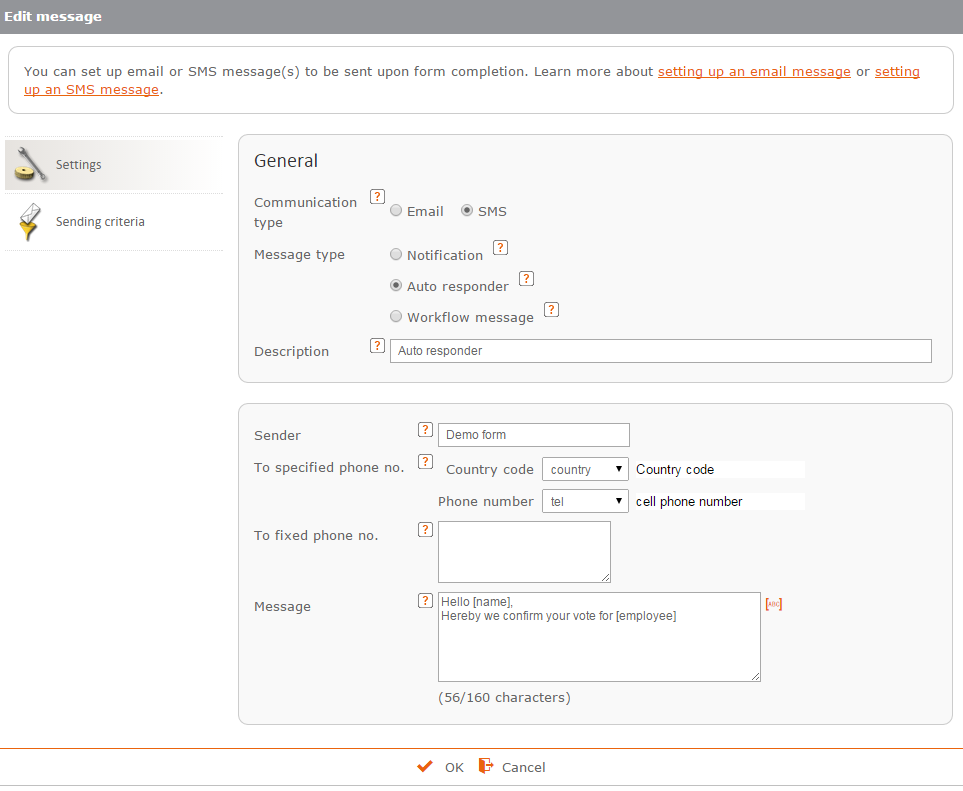
Send an SMS message to yourself or to the visitor who completed the form
 You can have Formdesk send one or more SMS messages after someone submits your form. This can be an SMS message to the visitor of the form, to yourself or to another phone number of your choice. You can compose the text of the SMS message yourself. You can also include data in the SMS message that was entered into the form. See also: Email notification and Automatic reply messages.
Consult the manual.
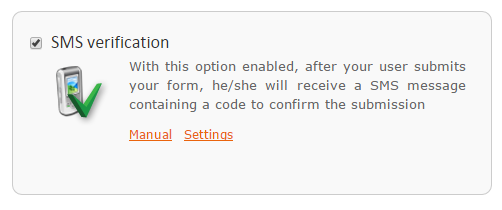
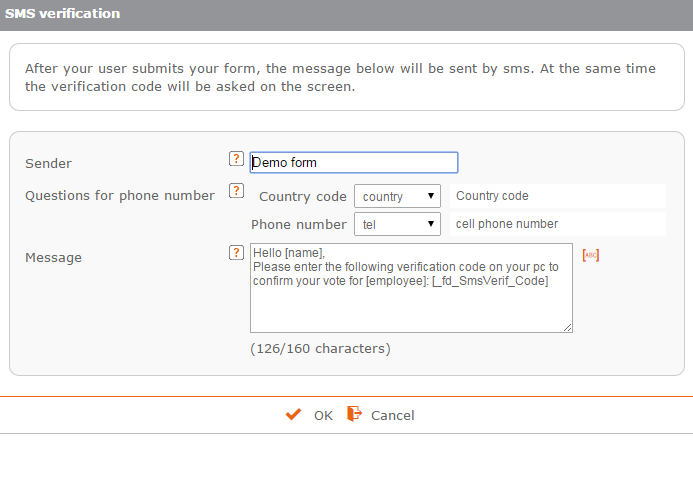
SMS verification to verify the phone number entered
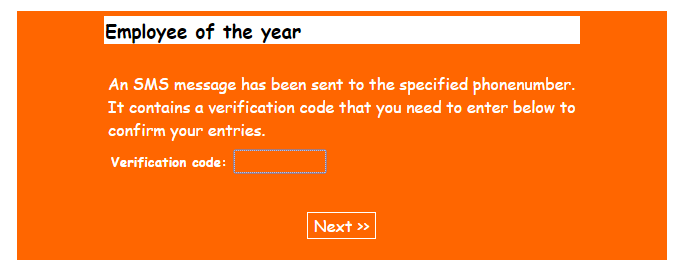
 SMS verification enables you to check whether the phone number entered actually belongs to the visitor. After the form has been submitted, an SMS message is automatically sent to the phone number entered. This message contains a code that the user has to enter on his or her PC to confirm the phone number. See also: Email verification.
Consult the manual.
Send a group SMS to everyone that completed your form
 Group SMS lets you send an SMS message to all or a selection of your respondents. This can be useful in case of, for example, an application form for an event where you send a reminder prior to, or a thank you message after, the event. See also: Group email.
Add-on
This feature is included in all business subscriptions and can be purchased for € 99 per year in addition to a standard subscription. You will also need an account (with credits) with a SMS provider of your choice.
Try it out:
Before you purchase this add-on or buy SMS credits, you can try out its functionality. You receive 10 free SMS credits to try out the add-on.


